How to Design Your Own Custom Metal Sign Online
Four ways to design your own sign in the Studio — even with zero design experience — and how to preview it on your actual wall before a single cut.
By The BarnSigns Workshop ·
You don't need to be a designer to make your own metal sign. The BarnSigns Studio gives you four ways in: describe what you want and let our AI draw it, upload a sketch or photo, start from a blank canvas, or follow the guided builder step by step. Then you preview it on your own wall before we cut it from steel.
Most people land here with a clear picture in their head and no idea how to get it into metal. That's exactly what the Studio is for. Here's how each path works and which one to pick.
1. Describe it and let AI draw it
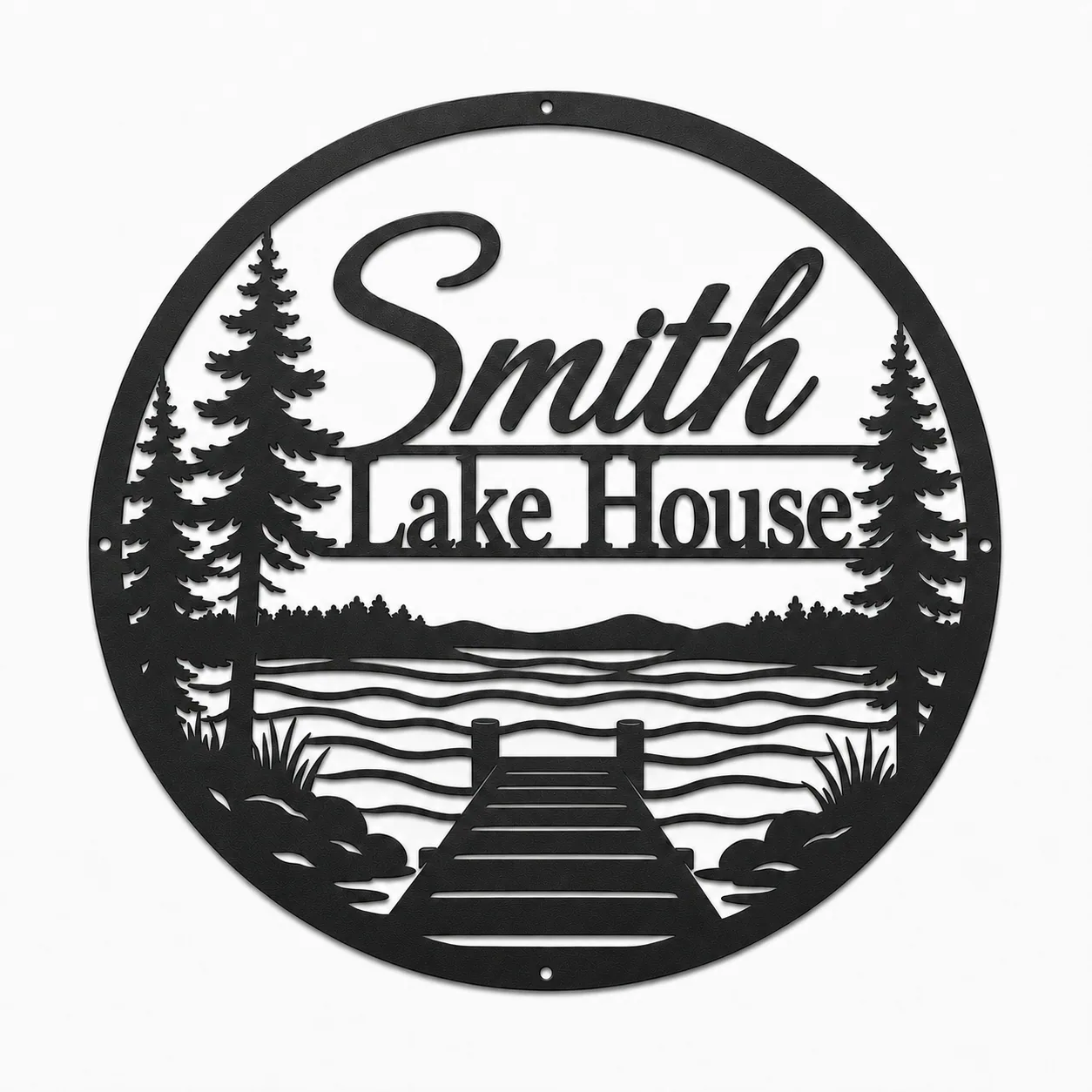
The fastest start: open the AI generator, type what you want — "a lakeside cabin sign with our family name and a pine tree" — and it sketches concepts you can refine. Great when you know the feeling you're after but not the exact layout.
2. Upload a sketch or photo
Already drew something on a napkin, or have a logo you love? Upload it in the Studio and we'll trace it into a clean, cut-ready outline. This is the path for anyone bringing an existing mark, monogram, or doodle to life in steel.
3. Build it from scratch
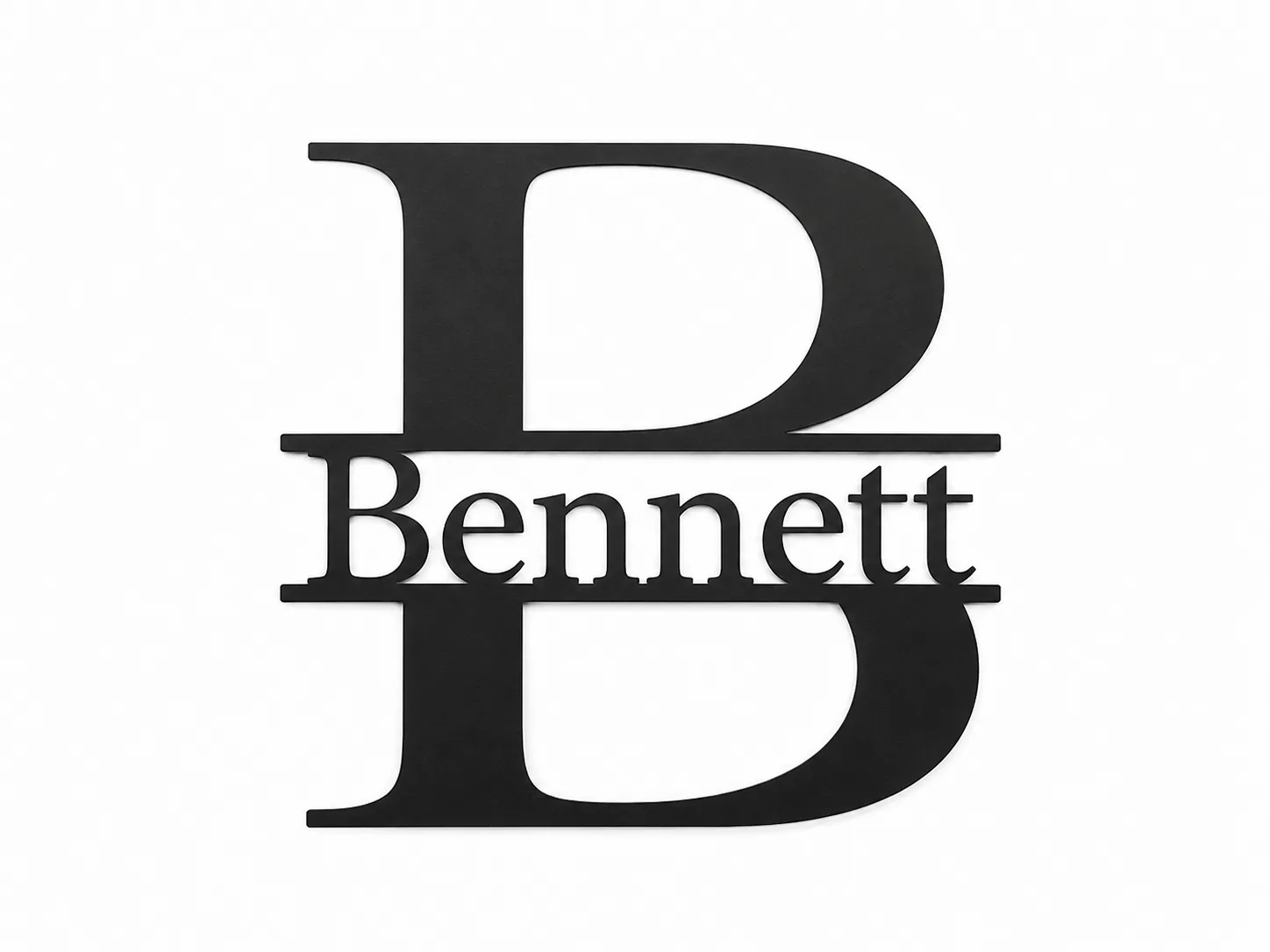
Open the canvas and lay out text, shapes, and spacing yourself. You have full control over wording and proportion — ideal if you're particular about how a family name or monogram is arranged.
4. Follow the guided builder
Not sure where to begin? The guided builder walks you through style, size, finish, and mounting one decision at a time, so you end up with something resolved without staring at a blank page.
Then we cut it from real steel
Once your design is set, we cut it from 14-gauge steel by default and finish it to last — the same materials and care covered in the buyer's guide. Nothing is mass-produced; each piece is made to your order.
Stuck at any step?
Barney, our design assistant, is on every page to help you pick a size, finish, or layout. And if you'd rather start from something finished, the shop is full of designs you can personalize.
Frequently asked
Yes. The BarnSigns Studio lets you design your own sign four ways: describe it and let AI draw it, upload a sketch or photo to trace, build it from scratch on a canvas, or follow a guided step-by-step builder. You can then preview it on your wall in AR before ordering.
Pieces from this story
Keep reading